EasyTourney

Plan soccer tournaments, from the F Youth Cup to company tournaments.

You create groups, small fields and the 3-point ranking in EasyTourney. The result comes from the sidelines, the table on the tournament website takes into account.

Plan soccer tournaments, from the F Youth Cup to company tournaments.

Typical format

Groups of four, then knockout.

Rating

3 points, difference, goals

Playtime

1 × 8 to 2 × 15 mins.

This is how you set up the soccer tournament

Scoring and rounds

In the setup you allow 3 points for a win, 1 for a draw and 0 for a loss. The order of criteria is points, goal difference, goals scored. With the template “Groups and knockout rounds” there are preliminary rounds and final rounds. After a penalty shootout, you enter the final score, for example 5:4, so that the next round has a winner.

Fields, times, public page

You create each small field as a separate field, even if both are on the same lawn. Game length and distance in the planner create the game plan. For the F-Youth, you turn off the table when publishing and leave the game plan. Parents open the page in the browser, they don't need an app.

Typical tournaments

01

Youth tournament

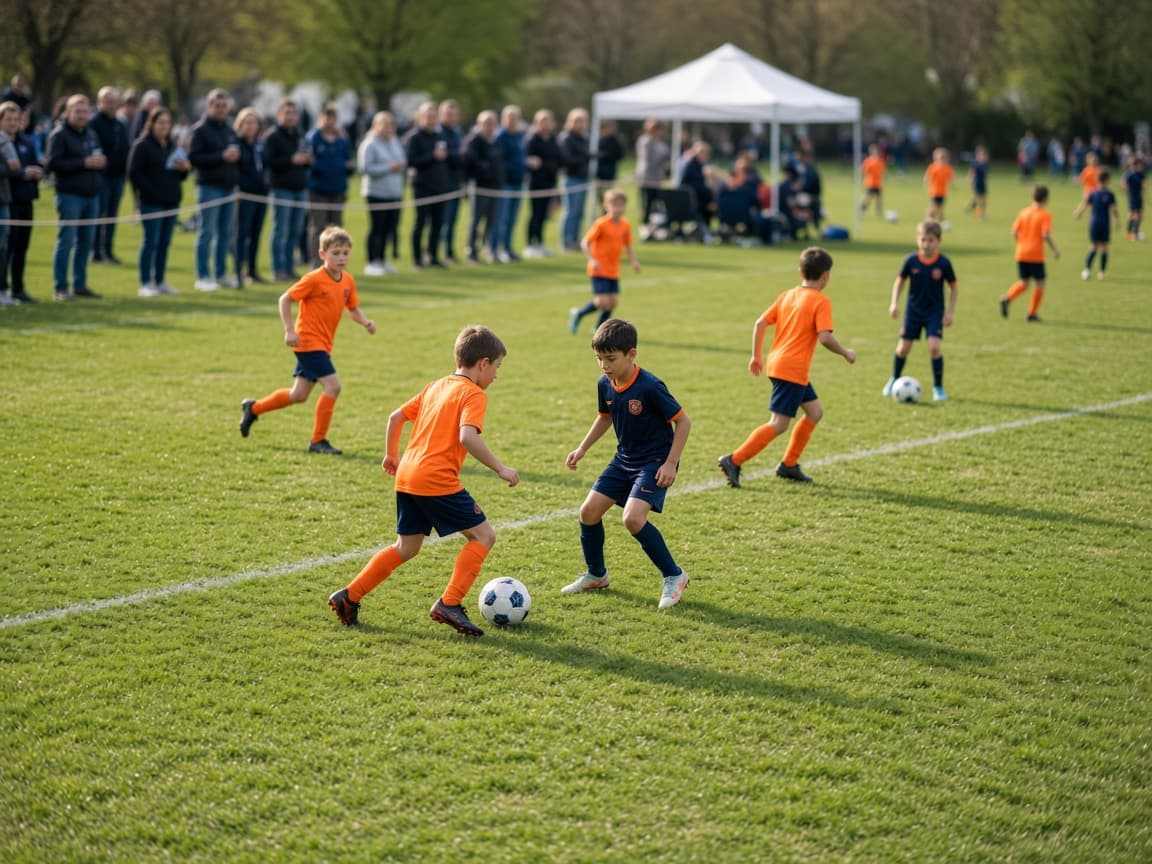
One class per year so that the groups don't get mixed up. Short game duration in the planner, and for the youngest the table on the public site.

02

Indoor tournament

One field, short distance between games. The hall has an end, the plan must accommodate the final before it.

03

Corporate and penalty kick tournament

Short game time or only the penalty shootout as a result. The tournament page shows kick-off and status, the teams' contacts remain internal.

Here's how to set it up

Four simple steps and the basic structure is in place.

  1. 1

    Win on 3, draw on 1, loss on 0. Order of criteria: points, goal difference, goals scored.

  2. 2

    Take the template with groups and a subsequent knockout round and set the groups to four teams.

  3. 3

    Create each small field as its own space, even if both are on the same lawn. Enter the playing time and distance, then plan.

  4. 4

    For the little ones, switch off the table on the public side and leave the game plan.

Questions about the soccer tournament

How do I set the 3-point scoring?

In the setup: 3 for the win, 1 for the draw, 0 for the loss. Below are the criteria in this order: points, goal difference, goals scored. The table on the tournament page takes care of this.

How do I create two small fields?

Each field individually, for example North and South. In the planner you select both, as well as the playing time and distance. The games are then parallel, not one behind the other.

What do I enter after a penalty shootout?

The final result, about 5:4. The knockout round will therefore have a winner. If the group is 1-1, you leave it as a draw and both get one point.

Can I hide the table for the little ones?

Yes. When publishing, you turn off the table. The schedule and results remain visible, but the rankings do not.

Can parents see the plan without an app?

Yes. The tournament page runs in the browser. You hang the link or QR code at the entrance. As soon as a result is saved, it is there.

Create your first tournament. It costs nothing for up to eight teams.

No subscription, no credit card. As the tournament grows, you book the plan just for that one event.